
With the new eWalk rubric element, you can now add individual notes to each row of your rubric. Click on the yellow notepad icon underneath the component to add notes. A green + sign will appear indicating that text has been entered for later reference. Here is a screenshot for reference:
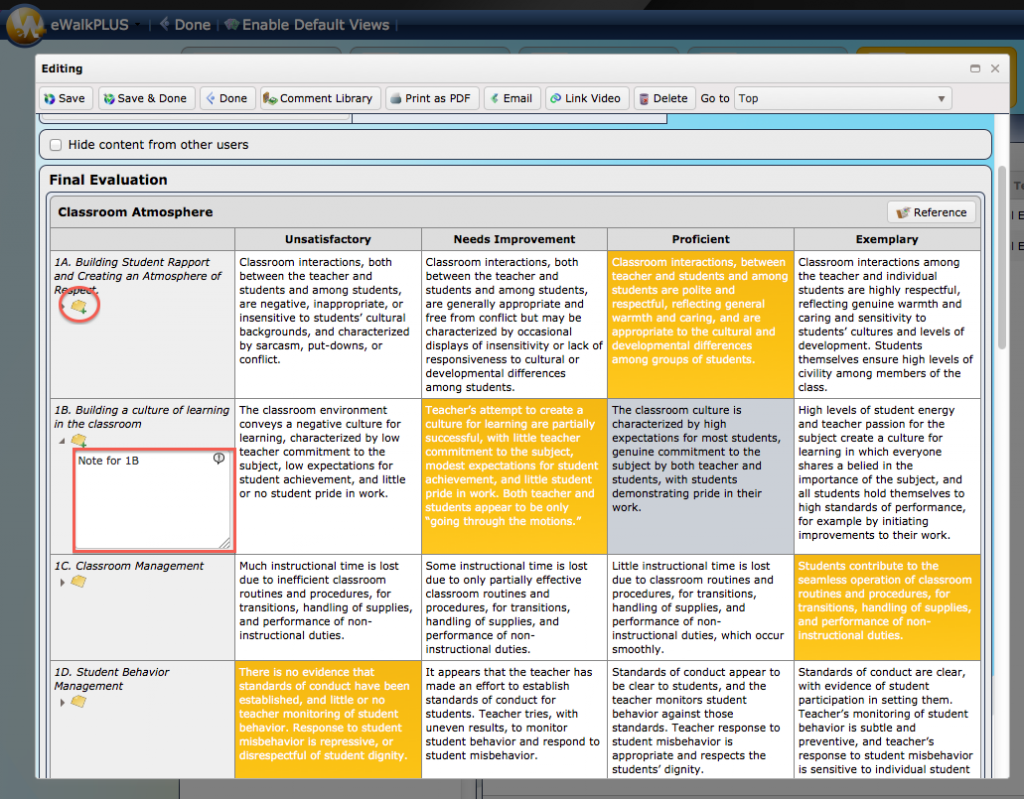
Its a feature that’s often overlooked, and is actually pretty useful. So now, when you create a rubric element, be sure to remember this tip. Comments can expand upon your rubric scoring with personalized information.
Leave a Reply